01
Read the docsChoose your assistant
Add the Fish MCP server in your preferred client.
https://api.fish.audio/mcpGo to Settings → Connectors → Add custom connector


Connect Fish voice, image, video and avatar tools to the AI assistant you already use. Describe your idea and start creating.
Connect once in your AI assistant to use Fish's creative tools through conversation.
Add the Fish MCP server in your preferred client.
https://api.fish.audio/mcpGo to Settings → Connectors → Add custom connector
Complete browser sign-in and choose the team for this connection.
Describe your idea or add a reference. Confirm the quote, then refine the result in the same conversation.
From sound to visuals, choose a request and start creating in your AI assistant.
Bring a reference image, character photo or voice to guide your next creation.
Start from a reference image or first frame, then describe the action and camera movement you want.
 Reference first frame
Combine a character image with existing narration to create a talking avatar.

From a narration or product image to a character that speaks.
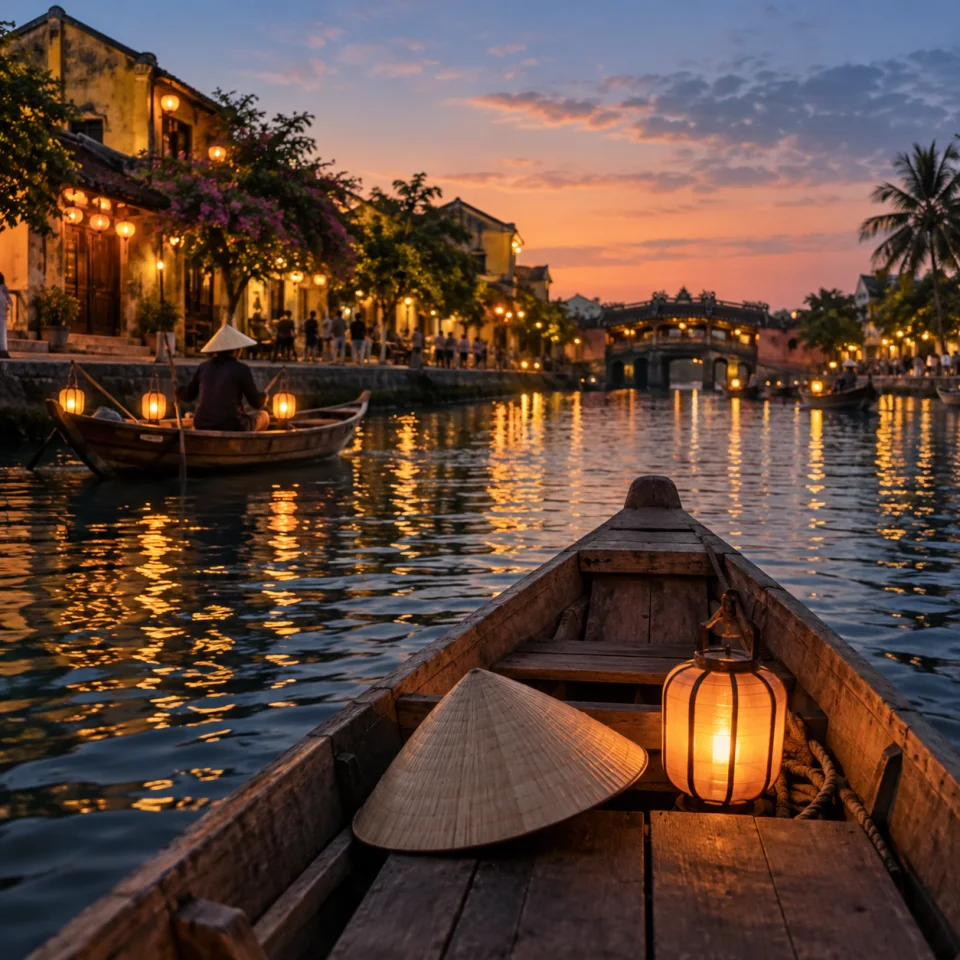
Turn the feeling of a scene into a script, choose a voice and narrate your video or podcast.
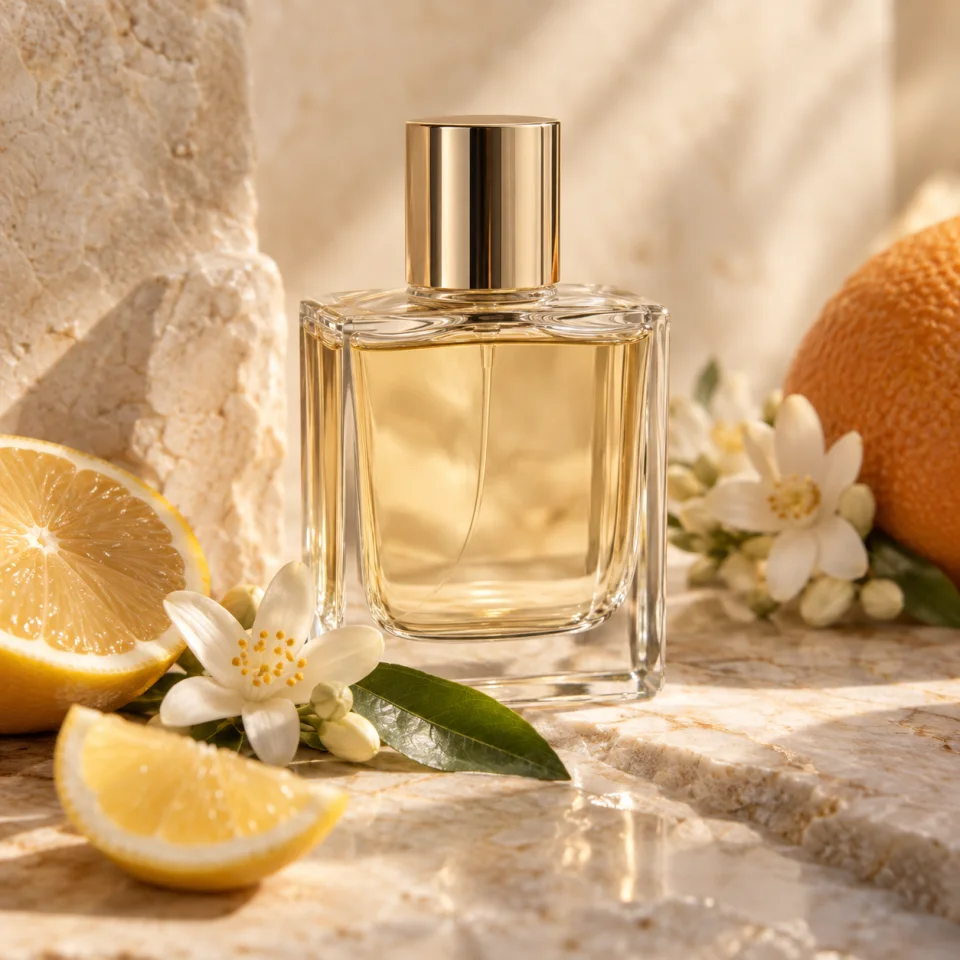
Describe materials, lighting and composition. Use your product reference to create covers and campaign visuals.
Start with a script and voice, then turn your character image into a welcome or explainer video.
Your assistant checks available models and parameters to apply Fish tools to your task.
Find and preview a voice, then bring your script to life.

Generate from text or edit with reference images.
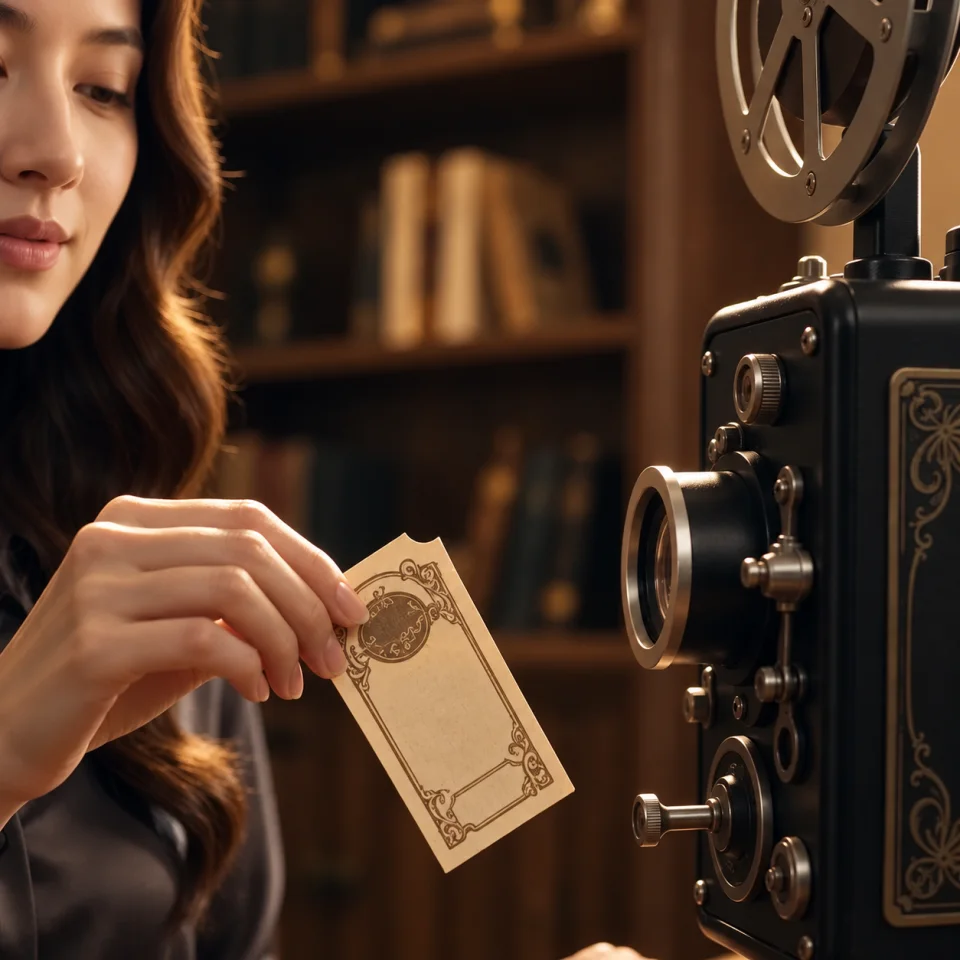
Start from a description or first frame and choose a model and aspect ratio.
Combine a character image and audio into a talking video.
Connect the Fish Audio MCP and generate images, videos, and voiceovers without leaving your agent. Same models, same credits.
MCP connects your AI assistant to Fish tools. Ask in plain language to create speech, images, videos and talking avatars.
Usage draws from the connected team’s plan credits, not developer API credits. Image and video generation is quoted before you confirm. Available features depend on your plan.
Yes. Provide your own images or audio to your assistant. The assistant helps prepare the required uploads and confirms the inputs before generation.
This page provides examples and connection instructions. Copy a request into your connected AI assistant to create. Each result may differ from the examples.
Your MCP client returns media links. Preview and download options depend on the client.
Connect Fish to your AI assistant and create with words.